

Here is what
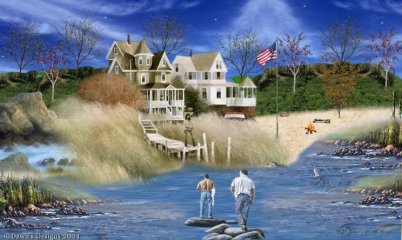
we will be making.
I call it Summer Retreat.
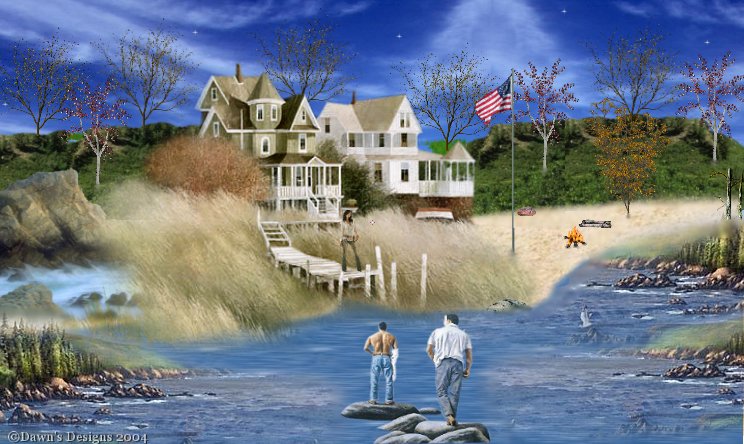
Start
off with a transparent image 744 x 444
( all images are sized to fit it already, for those of us that just open the
image
from a folder and copy and paste as new layer)
This is how I do it, so this is how I will explain it...I saved everything in
one
folder, and then I browse only that folder copy and paste as a new layer on
everything....
instead of putting it in my tube folder.
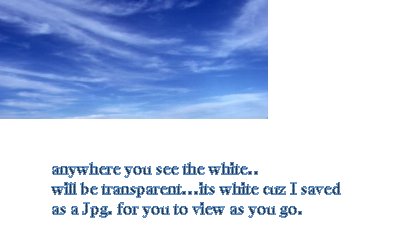
1. I open the sky image...copy/ paste as new layer. move it
so it covers the left part
of screen...then I duplicate layer (clicking layer on top row) so now I have 2
on top
each other, so I pick image /mirror and poof on other side, line them up...
do not worry about it not coming all the way down.
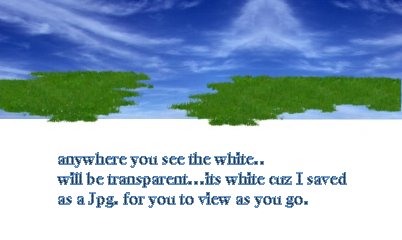
2. Now open the grass..... copy / paste as new layer ..move it
till the top of the grass
is at about
150 on side bar .
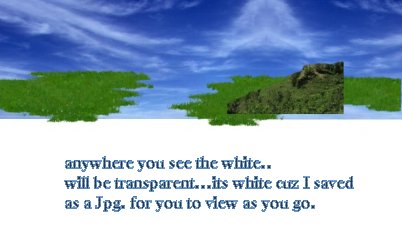
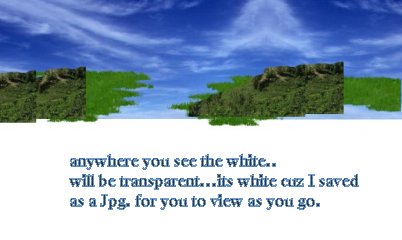
3.open the hills , copy and paste each layer....you will do 6
layers with this...so just follow here..
first hill place it at around 200 on side bar and 400 on top bar. (that's the
bottom straight edge of hill) Layers duplicate, move hill to about 550 and 200
don't worry it looks funky. duplicate layer, move all the way to left side
keeping it at about 200 on bottom. duplicate layer, move to about 50 on top drop
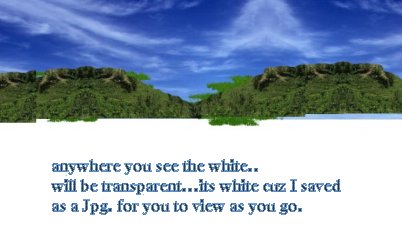
it down just a bit, so it lines up with other. Duplicate layer again, image
mirror but it up against your hill 3 at about 160 on top.....so it looks like a
complete hill. Duplicate again /image mirror so it lines up with other hill all
the way to right now you should have a complete set of hills. again, do not
worry about them being off a bit on bottom...
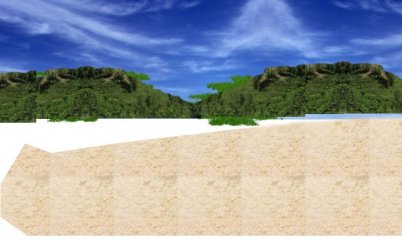
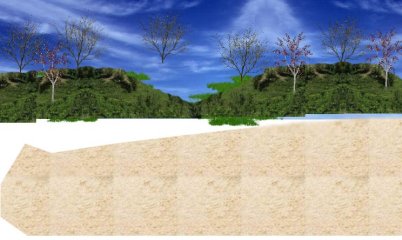
4.Now open sand.. copy / paste as new layer...you will have 2
layers of that too...line it up to where the top of right side of sand is at
about 175...does not go all the way to bottom, and looks funky.. again don't
worry ;-)
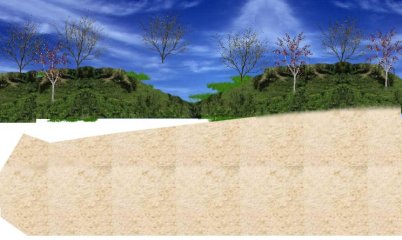
5. open sand 2 copy/paste as new layer...move it up a bit to
where it lays just a bit on your hills,
on the right side...you should see it smudged on hills.
6. Now open your trees copy/ paste as new layer, you have 3 types
of trees..
so place them on your hills any where you choose......I have 8 layers of trees.
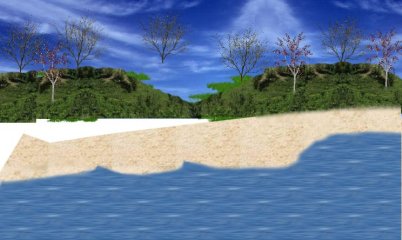
7. Open lake...copy/paste as new layer...move it all the way down
to bottom..so all your canvas is covered on the bottom..it should come up to
about 270 on left side.
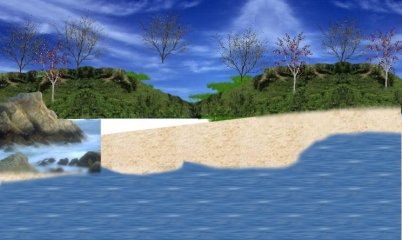
8. Open Rockswater...copy paste as new layer....will be on left
side.. move it to where
the top of biggest rock is
around 175 on side.
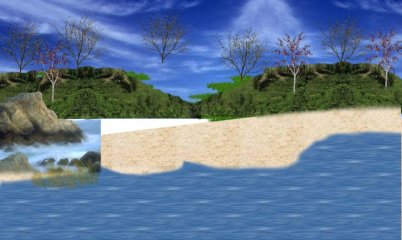
9. open grass blades...paste as new layer...move in front of
small rocks
at about 340 but towards right of rockswater.
10.open house...copy/paste as new layer.... if you move it with
the peak
from the darker house, it will be about 300 on top.
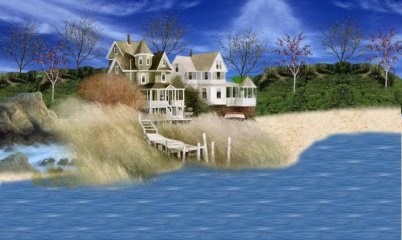
11. open streamrocks ...copy/paste as new layer....move it all
the way to the right at
the top almost at 200.
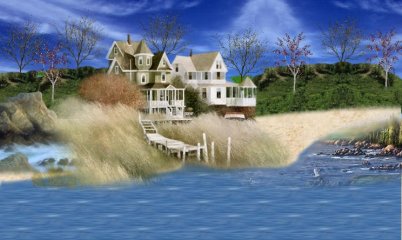
12. open streamrocks 1... copy/paste as new layer...move it down
below
the first streamrocks at about 350. (seebelow)
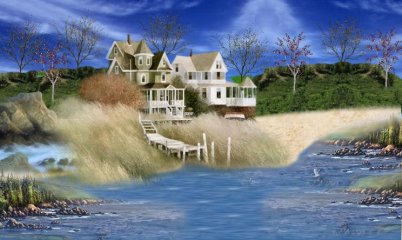
13.on later streamrocks 1..duplicate layer, then mirror.. move to
left side..
the top at about 325.
14. open rock...copy/paste new layer...put anywhere you would
like.
15. open USA...copy/paste as new layer...I put mine just by the
beach.
16.open logs...copy/paste as new layer...I put mine on the beach at about 225 on
side bar
17.open rock2...copy/paste as new layer....I put mine on edge of beach.
18.open fire...copy/paste as new layer.. I put mine on beach near
logs, logs are to sit on.. LOL
19. open girl ..copy/paste as new layer, I put her on the dock , towards the
end.
20.open guys...copy/paste as new layer...by clicking on guy with white shirt,
move
him to 450 on top, 350 on side.
21. open twigs.. copy/paste as new layer. I moved mine all the way to right just
above
streamrocks1.
22. open stars...copy/ paste as new layer, I added 6 layers, moved them where i
wanted them
That's it...Hope you enjoyed.. and hope you could follow this.. I am NOT a tut
writer, so I tried my best.. LOL
Huggs
Dawn

  
Page last updated on
02/28/2004 10:14:24 AM

(c) Outlaw by Design 2003
|